Creating an Artificial Intelligence audio book with Elevenlabs is not easy or cheap. I have found out because I made one. And while some parts of the flow were easy and satisfying, others were really difficult. It also cost me more money than I anticipated.
Creating an AI Audiobook is not easy or inexpensive
The pitch is that you can easily create an audiobook using AI. You can just type the book or upload it and AI assigns characters and boom, boom, boom, everything is done. It doesn’t really work that way as I have found out.
What did work really well, because I wanted to narrate the book in my own voice, was cloning my voice. Now, it may be a challenge for most people because with Elevenlabs you need 2 hours of relatively high quality audio for them to properly clone your voice. I was fortunate in that I’ve did a bunch of podcasts years ago and had dialed in the audio. My cloned voice is very good.
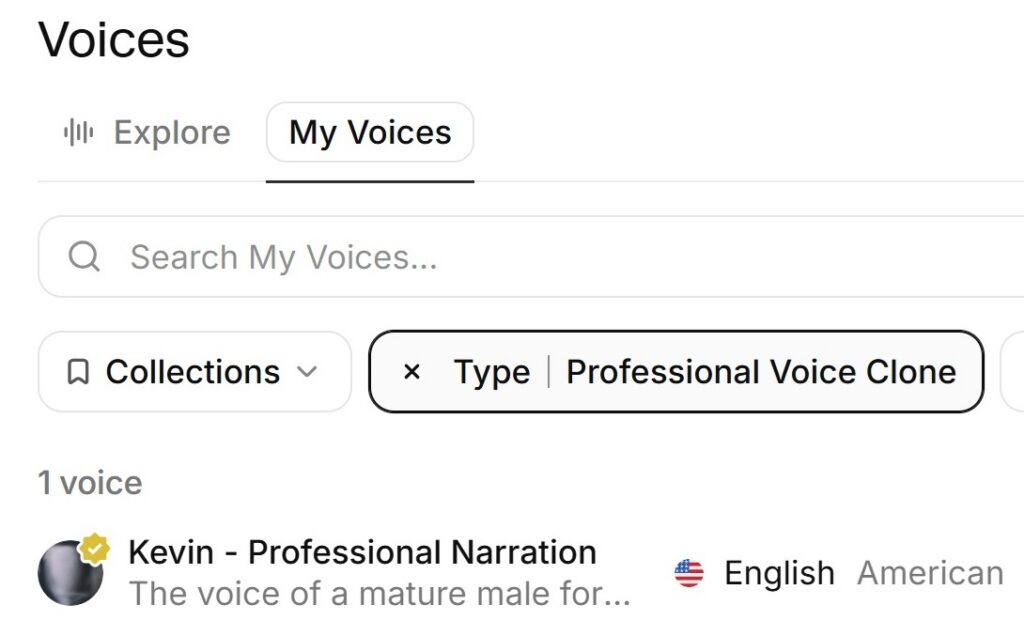
I used the cloned voice to narrate the majority of the my book Benajamin Norton Bugbey, Sacramento’s Champagne King. I’ve also published my cloned voice for other audiobook publishes to use for narration or a character voice.
Uploading an existing print book must be properly formatted
The most difficult part was uploading the book into the application. It took me five attempts before Elevenlabs would properly recognize the text and chapters. The solution was stripping out all of the formatting and removing the table of contents, endnotes, index, images, captions and chapter subheadings.
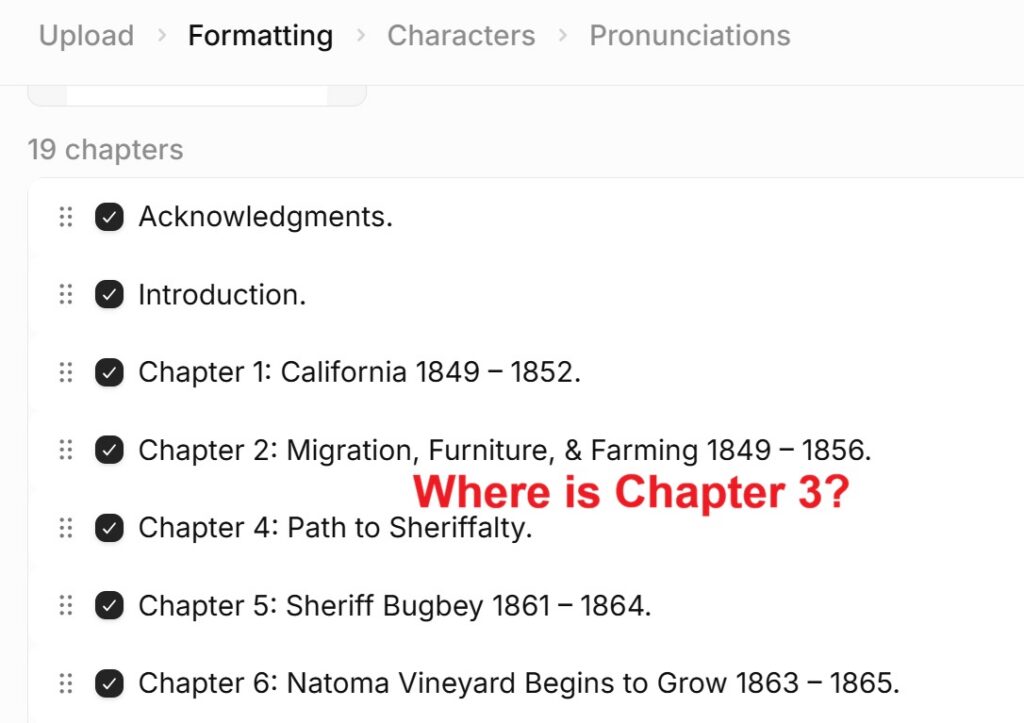
The next challenge was that Elevenlabs only accept half the book. The program said that I only had enough credits on my Creator Plan to convert half the text into audio. Then I figured out that I could flip a switch to automatically add credits during the process as I was creating the audio. Nevertheless, I had to upload and then copy and paste the remaining chapters between the second half and the first half of the book to make it complete. It was a major hassle.
Character voice assignments
On the upside, Elevenlabs properly attributed the selected voices I had identified for different people in the book. There were problems when AI could not recognize that a sole paragraph should have been spoken in the Bugbey voice. I had to manually assign the Bugbey voice in place of the narrator’s voice.
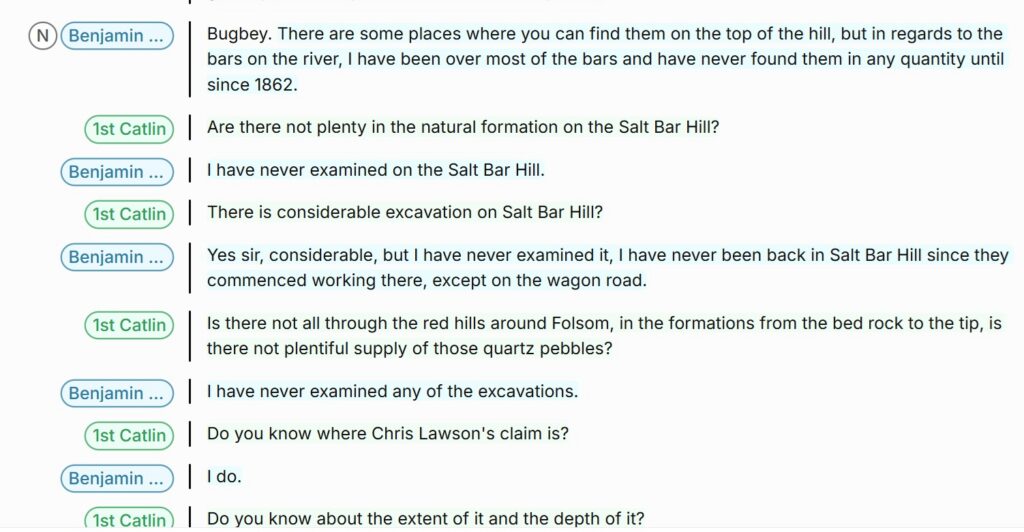
This is where the human element comes in. You must listen to each paragraph of the book to make sure the correct character’s voice is speaking, the pronunciation is acceptable and correct any typos. There will be times when you have to add text to clarify the topic. I had to do this when I removed an image. I needed to describe the image in the audio version. Or, AI will speak literally. The phrase “Wells, Fargo, and Co.” is literally spoken as “Co” for the last word. I had to spell it out as “company.”
It all takes more time to “proof-hear” the audiobook than you may realize.
AI Pronunciation
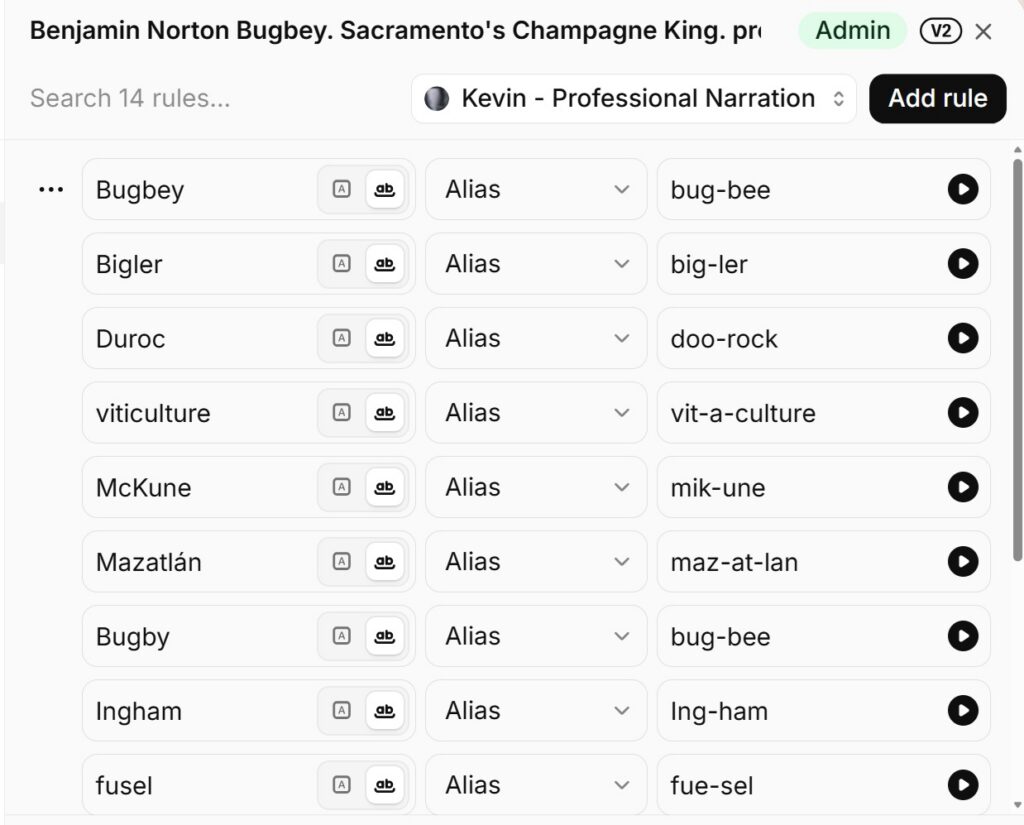
Another issue was me trying to prevent a problem. I created a pronunciation dictionary for many of the words like Natoma. My pronunciation rules did not work. What I found out is that AI is very good at determining the pronunciation of a word. As the narrator, I sound as if I really do know how to pronounce French words from their text spelling.

The lesson is that you should let the AI program determine if it can be properly pronounced before creating a rule and having to go back and create correct. There will be some works that AI doesn’t get and I had to phonetically spell word to get it correct. This happened with my last name. I had to try several different spellings before AI would pronounce it close to the way I say it. (How would you phonetically spell Knauss?)
Audio quality can be uneven
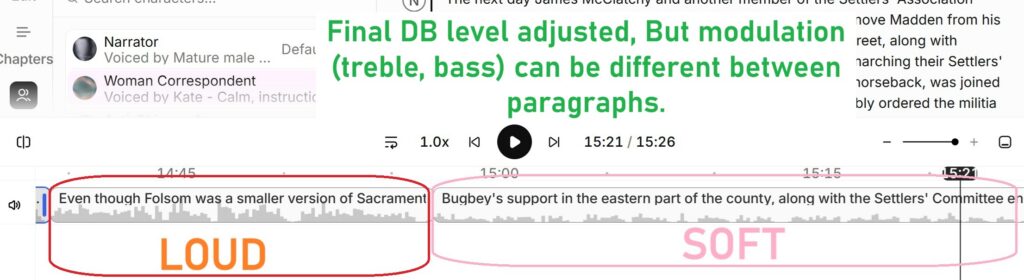
There is also an issue with the character or narrator voices between paragraphs. The volume was too loud, too low, or sounded like it was muffled or in a tunnel. Elevenlabs AI chatbot indicated that the AI tries to match the modulation of the voice to the mood of the paragraph. The decibel level was adjusted in the final export, but I do still hear variations in the bass and treble of the audio between paragraphs. I hope this will be addressed in future updates to the application.
Prohibited Content
Elevenlabs will not let you upload music. You must use their music. I had Bugbey’s Champagne Waltz, composed in 1869, recorded. I own the mp3 recording. But I could not use it in the audiobook. That was a bummer. I did not have the patience to use their music and sound effects. I’m use to editing videos where I have lots of control over the audio. You have limited control and input with Elevenlabs.
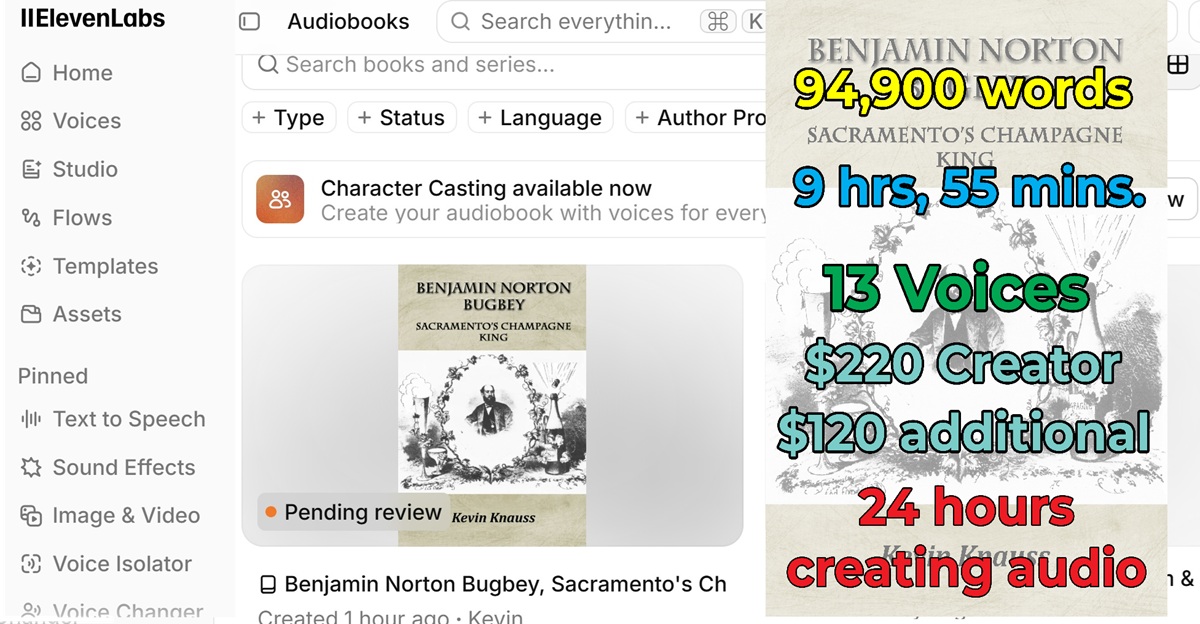
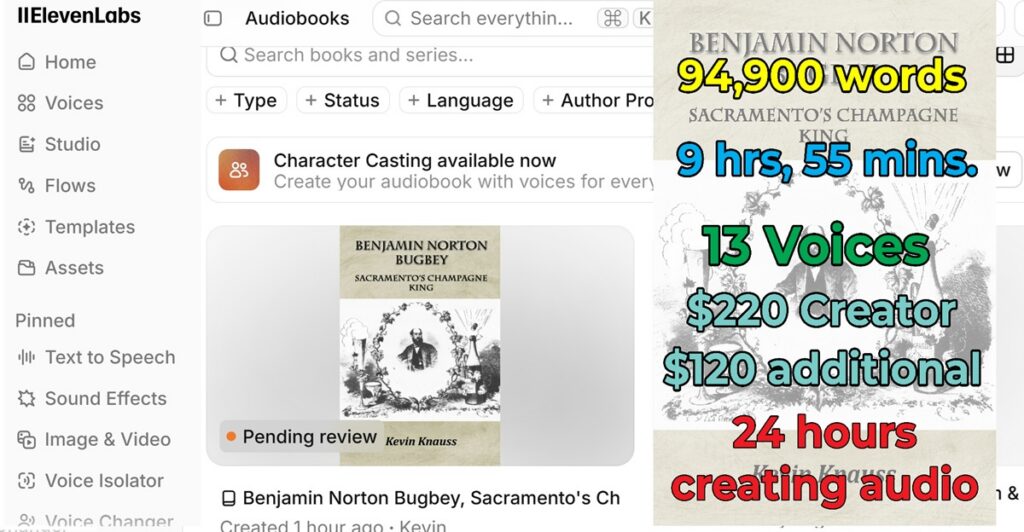
The final statistics of the audiobook are thus:
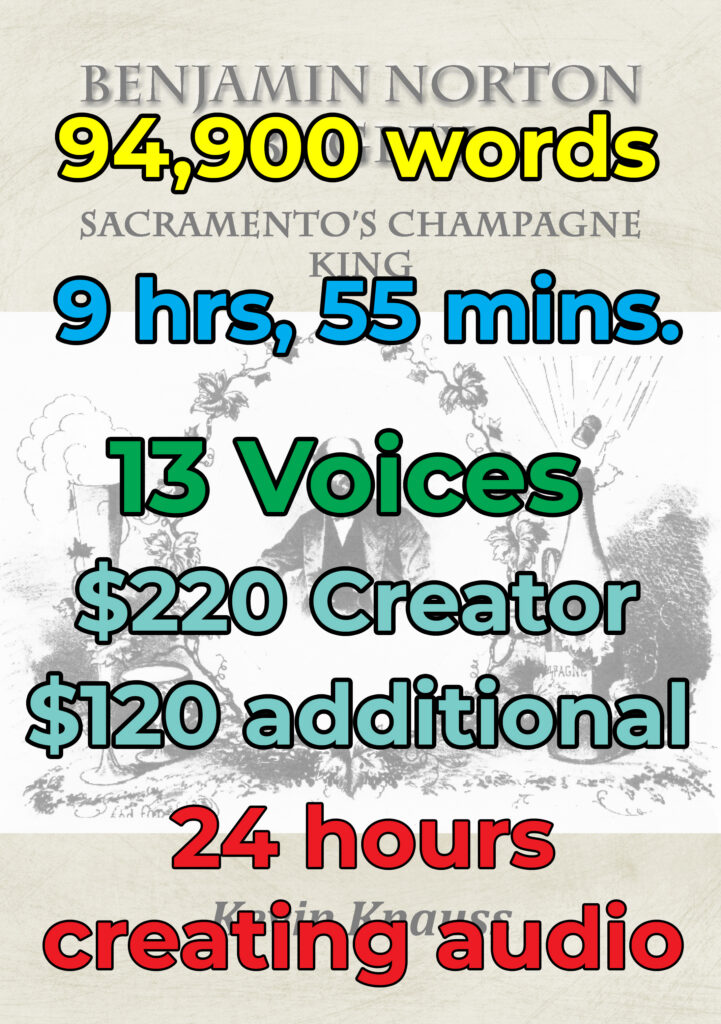
Total words equals 94,900.
Audio or listening time is 9 hours and 55 minutes.
I used 13 voices within the audiobook including my cloned voice.
The Creator Plan was $220 for one year and I need an additional $120 credits to convert the book into an audio format mp3.
Over a 3-week period, I spent a minimum of 24 hours to create the audiobook from upload, cloning my voice, reviewing each paragraph, fixing voice assignments, regenerating audio, and finally publishing to Elevenlabs audiobook play list.
YouTube video on the AI audiobook creation.